SchemBAT

SchemBAT is probably the most popular CAD software on the market dedicated to building wiring studies. It is a very comprehensive drawing software package that is perfectly suited to professionals in the sector. They have developed a module dedicated to electrical wiring harnesses that makes it possible to carry out a complete study of wiring harness installations.
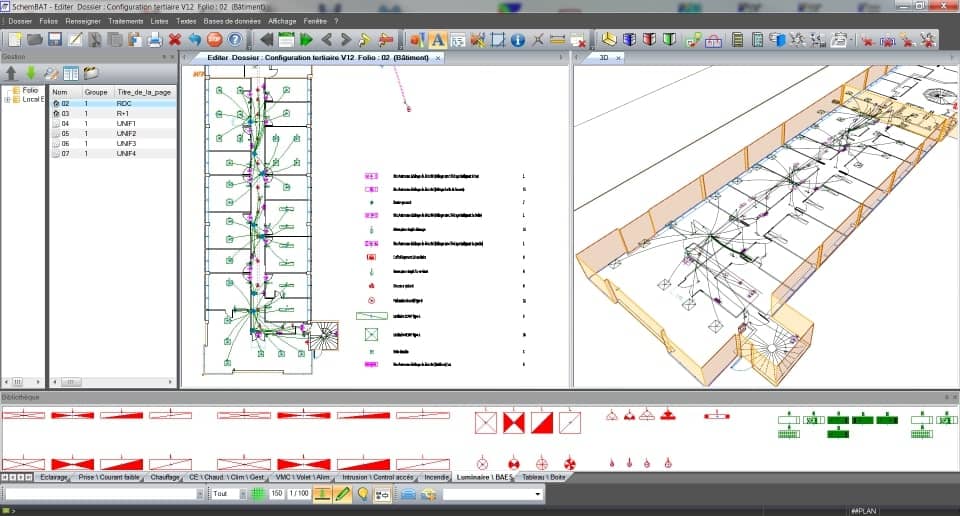
It comes with a comprehensive library of devices, symbols, component references from the main manufacturers for generating bills of materials, and cable references, enabling you to get started quickly while complying with the NF C 15-100 standard. All elements can be configured to suit your working method.
In particular, this module enables:
- Management of architects’ drawings (AutoCAD, PDF, etc.).
- Creation of schematic diagrams and layout plans.
- Identification and placement of components on the plan, either manually or using a component library.
- Extraction of bills of materials (conduits, cables, etc.).
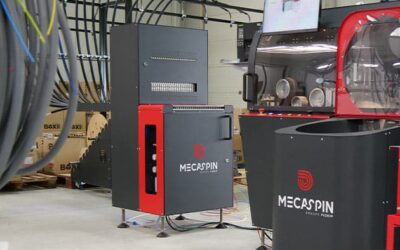
- An interface designed for pre-wiring machines, making it easy to generate the different manufacturing routings. The software sends all the information directly to the pre-wiring machine for the production of conduits/cables, as well as for labelling.
- A detailed view of the central junction boxes containing all the information required for wiring.
- Rapid quotation creation.
M-ElecDWG
M-ElecDWG is a software package that integrates directly into AutoCAD or GstarCAD. Drawing on several years of expertise in design offices and worksite monitoring, the CheckDev team has developed comprehensive, easy-to-use software that adapts to your working methodology. You can integrate your own numbering, lengths and different wire parameters to obtain a result tailored to your company.
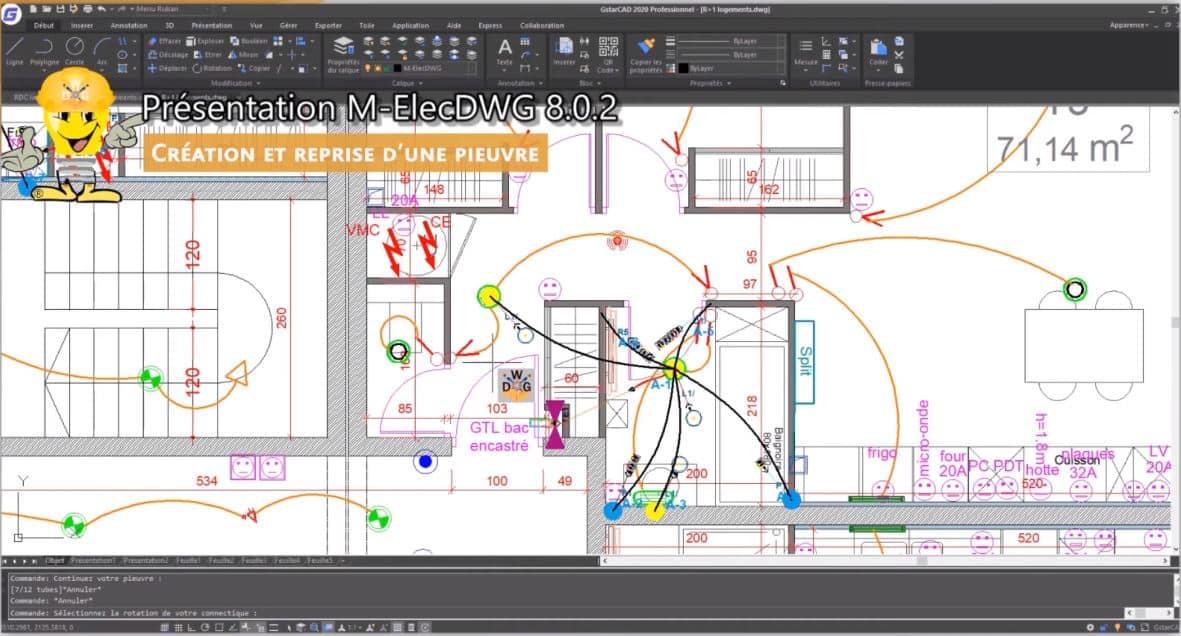
In just a few steps, it allows you to obtain a detailed study of your wiring harnesses.
You begin by configuring the project with all the information relating to the worksite and the dwelling.
You can then create, resume and modify the electrical wiring harnesses using a simple and intuitive interface. All you have to do is select symbols from the library and place them on your plan at the location of your devices.
You can configure and customise the data for each device. The program automatically checks your electrical study and informs you if there is a problem. M-ElecDWG automatically calculates all your wire and conduit lengths and assigns colours to switched-live and two-way switch wires.
Finally, you can easily print bills of materials showing conduit contents, quantities and even conduit labels.
One advantage is that they have developed a prefabrication version available for touchscreens.
DESA

As part of its software suite, DESA offers a design tool dedicated to electrical wiring harnesses for residential and small commercial applications. It is very comprehensive and provides all the features required by electrical wiring harness manufacturers.
The Wiring Harness Pack module includes the following features:
- Calculation of conduit lengths.
- Bill of materials for conduit contents, including length, wire colour, cross-section and wire type.
- Determination of material requirements, including cumulative conduit length by diameter and wire length by colour and cross-section.
- Study report with conduits and contents.
- Simplified conduit labelling.
- Connection of wires to terminal strips in connection boxes/wiring harness boxes.
- Easier reading with one colour per wiring harness (or connection box).
- Ability to create a detailed plan for each wiring harness.
- Cable trays.
- Power balance.
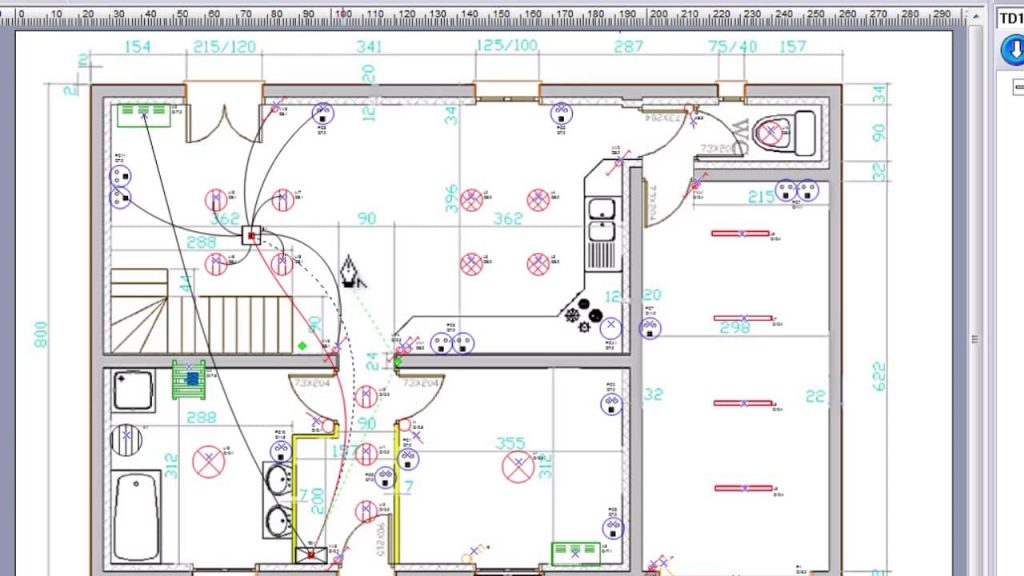
Beyond wiring harnesses, the software is very advanced. It provides all the functions of electrical installation software:
- Import of plans in scanned, PDF, BMP, JPEG, PNG, GIF and AutoCAD formats.
- Layer-based display management.
- Automatic verification of compliance with the C15-100 standard.
- Export by equipment list or bill of materials by room or area.
- Selection of the cabinet model.
- Selection, modification and addition of circuit breakers and modular components.
- Easy drag-and-drop modification of circuit layout.
- Single-phase and three-phase installations.
- Library of electrical symbols for high-current, low-current, VDI, home automation and alarm systems.
- Editable cabinet layout.
- Printing of labels by strip and by device.
- Synchronisation with quotation software.
In conclusion, if you are looking for software for electrical wiring harnesses, the right choice depends on your configuration and productivity requirements, with each software package corresponding to a clearly defined level of use.